Manage Service Principals
Manage Service Principals—Find or Obtain the OAUTH Client Secret or FAPI Credential
When you create the new Service Principal, for security purposes, the Client Secret or Credential is shown ONLY ONCE in a pop-up window and is NOT retrievable later.
If you need the value of Client Secret or Credential and you do not have it stored separately for you to access, you need to generate a new OAUTH Client Secret or FAPI Credential.
Manage Service Principals—Delete a Client Secret or Credential
BEFORE deleting a Client Secret or Credential, know if it is in use or not.
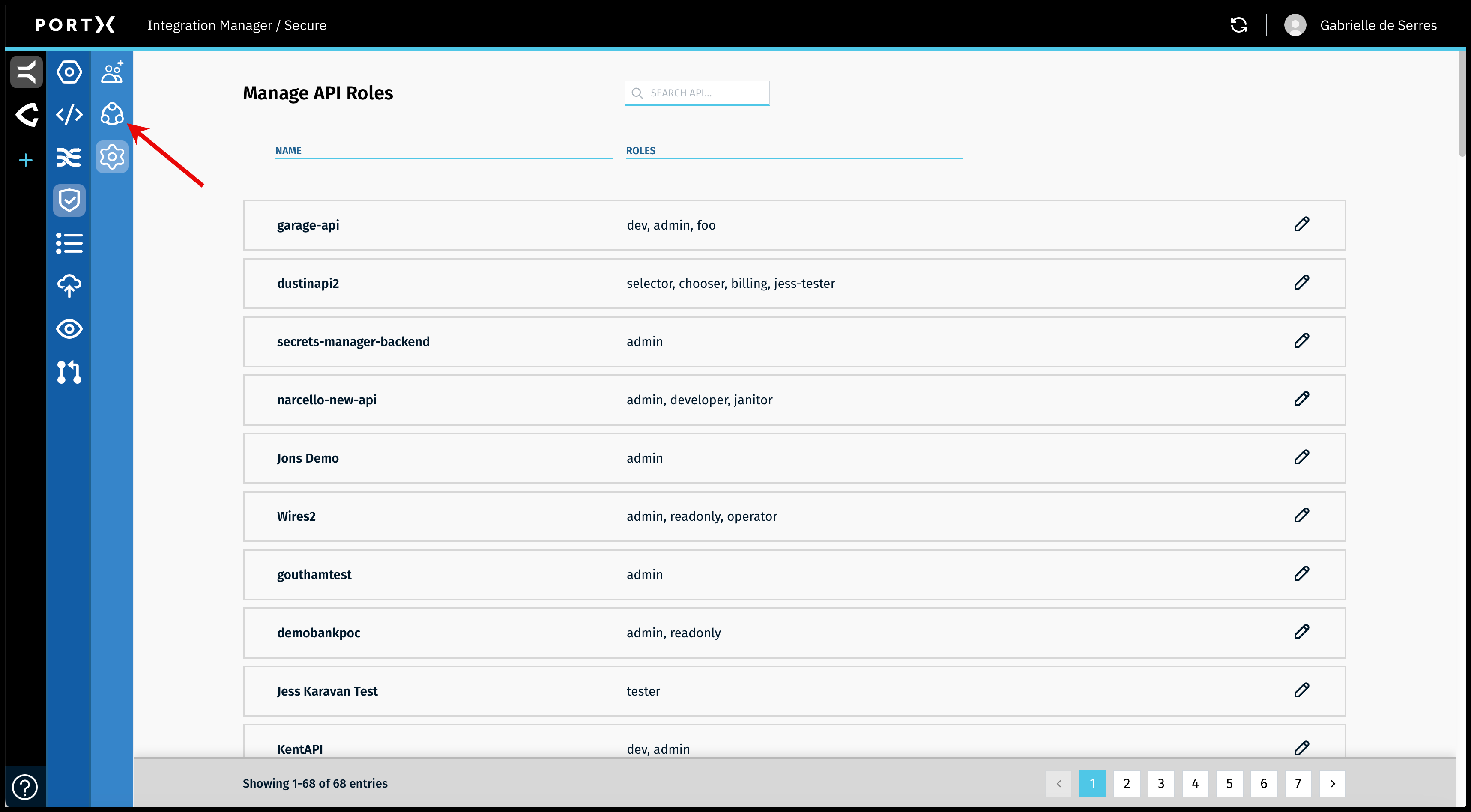
On the Secure Module Main Page which is the Manage API Roles page, click on the Left Navigation Secure Module sub-menu—Principals icon (as shown in Figure 111).
The Secure Module—Manage Service Principals page opens (as shown in Figure 112).

In the Secure Module on the Manage Service Principals page (as shown in Figure 112), click on the garbage can at the right side of the list for the client secret or credential you want to delete.
The Delete Verification window opens (as shown in Figure 113).
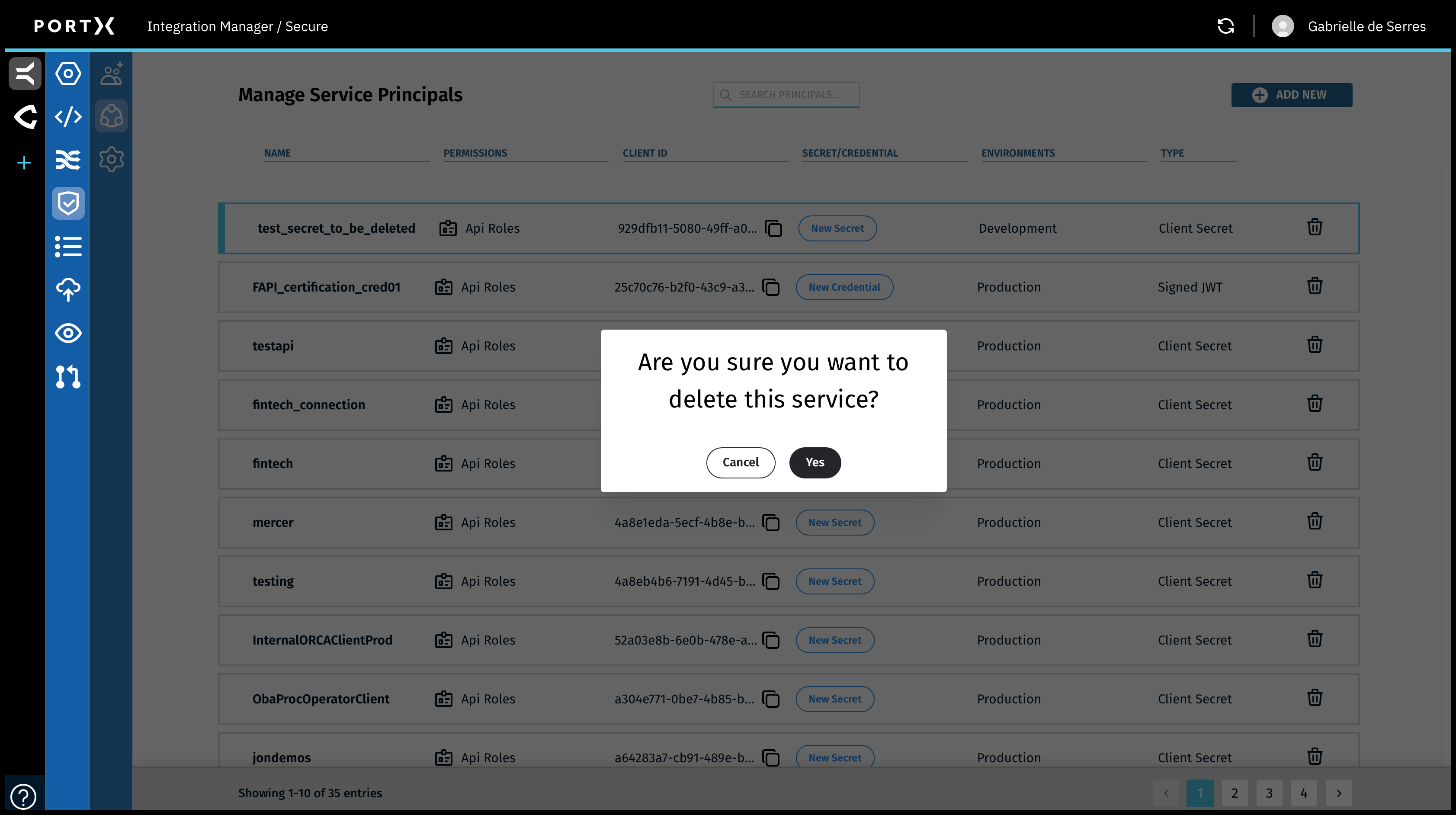
To delete this Client Secret or Credential, click on Yes.
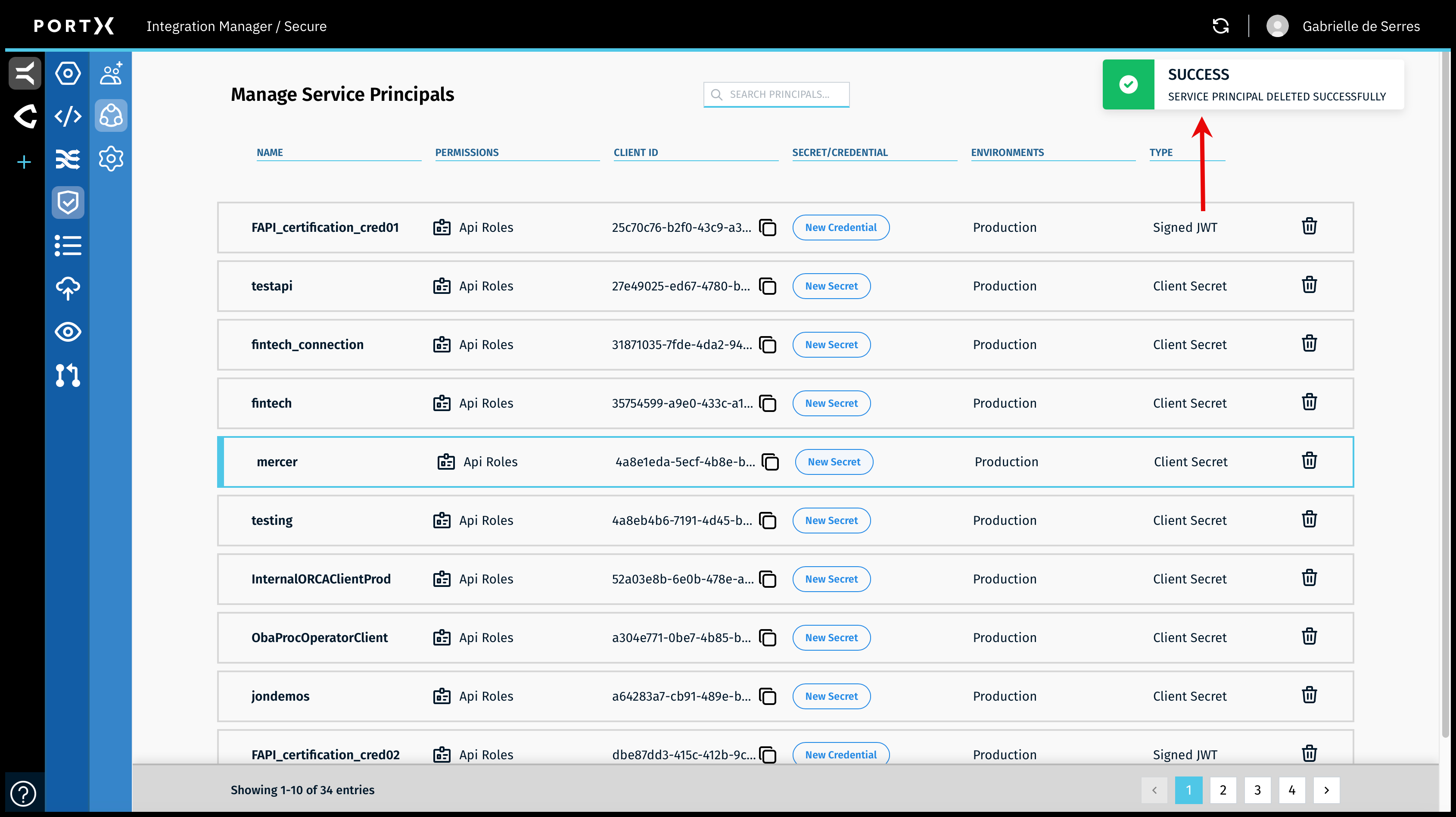
When you have successfully deleted the Client Secret or Credential, a confirmation Success banner message with a green check mark in the upper right of page appears BRIEFLY (a couple of seconds) as shown in Figure 114.