Manage API Roles
Manage API Roles—Intro, Search
The Manage API feature enables Application Developers to enlist the APIs they intend to safeguard through PortX Integration Manager (PIAM). Access to these APIs is regulated through specific API roles and scopes.
On the Secure Module main page—Manage API Roles page, you can perform the following activities:
- Search or filter APIs
- Edit or Change API Roles on an API
- ADD (assign) API Roles to an API
- DELETE (remove) API Roles from an API
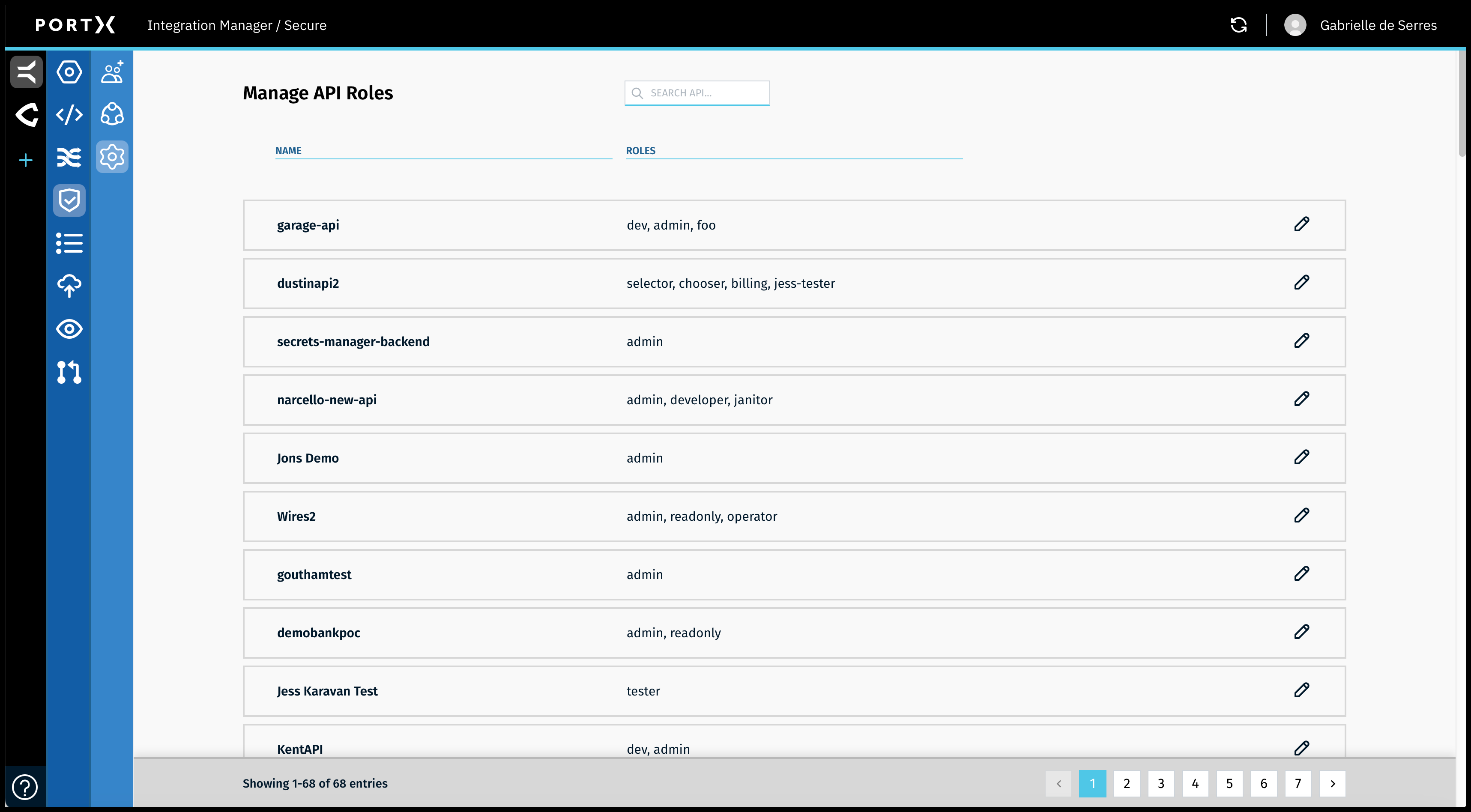
Search for, or Filter All API Roles
When searching for, or filtering the APIs on the Manage API Roles page, the search feature is dynamic. The search or filter occurs with each keystroke you enter.
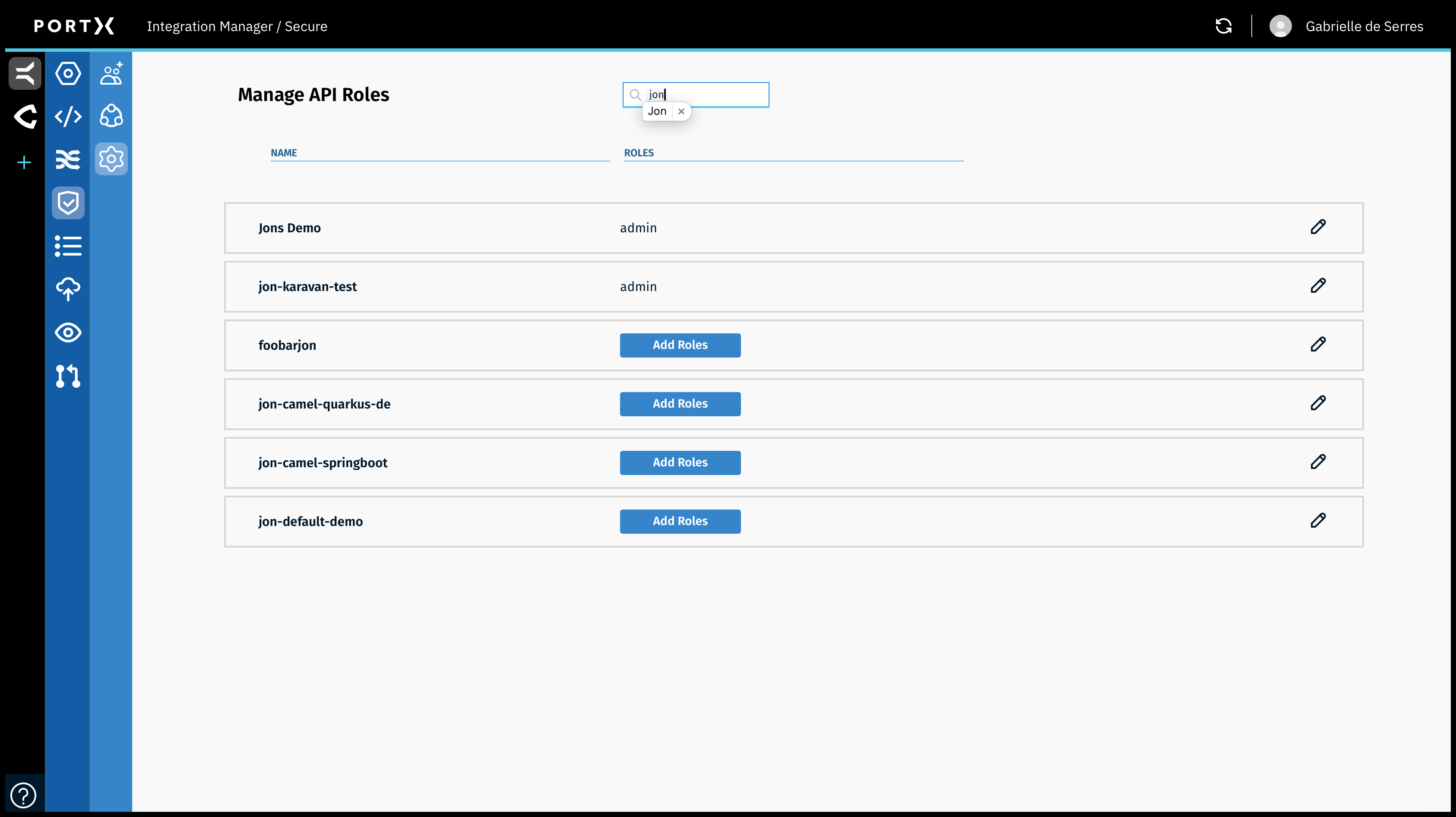
In the example shown in Figure 51, entering “jon” in the search feature returns 6 APIs with “jon” in their names.